Updated
For music & audio
Send the session.
Not a bounce.
Multitrack sessions, stems, masters, the whole project folder. Send it as it is, without bouncing, zipping or splitting it to squeeze under a limit.
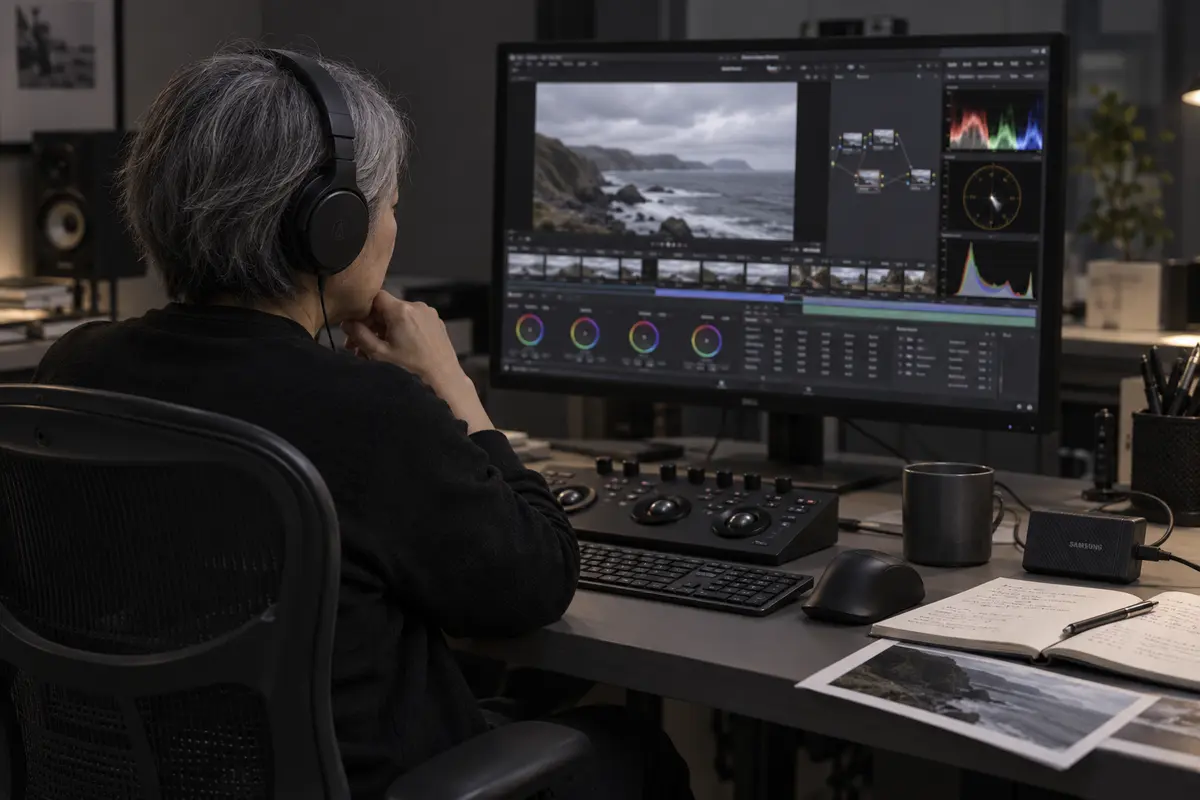
Whole sessions
Send the project folder and it arrives the same way.
Lossless means lossless
Files arrive exactly as you sent them.
No accounts for collaborators
Mixers and labels just click the link.
How a send goes
Collect the session
The project folder with its audio files, bounces and notes.
Send it as it is
No zipping, no splitting into batches. Folders arrive the way you sorted them.
Your mixer clicks the link
No account. They download the session and open it.
Any file type, including
- Pro Tools sessions
- Logic projects
- Ableton projects
- 24-bit and 32-bit float WAV
- AIFF
- Stems
- DDP images
- Dolby Atmos ADM BWF
- Video for sync
- MIDI
What it replaces
Bouncing down to fit a limitSend the full-resolution session.
Stems in five batchesAll of them, one link.
Zipping a session and hopingFolders go as folders. Nothing to unpack.
Questions
How do I send a Pro Tools session to a mixer?
Drag the session folder onto Tranzfer and send. Your mixer gets one link to the whole folder.
Will my audio get compressed?
No. Every file arrives exactly as you sent it.
How do I send stems to a mixer?
Put them in a folder and send it. However many there are, it's one link.
Can I send a Dolby Atmos ADM file?
Yes. Any file type works, and big single files are what Tranzfer is for.
What it costs
- Free $0
- 20 GB at once, links up to 3 days
- Starter $15/mo
- 300 GB at once, links up to 7 days
- Pro $29/mo
- 1 TB at once, links up to 14 days
- Studio $69/mo
- 3 TB at once, links up to 14 days
You pay for what's live at once, not for every gigabyte you send. When a link ends, its space comes back. Compare prices